AudioCast
Stream your Mac or Windows audio to your phone over Wi-Fi. No cables, low latency.
See it in action
25-second demo · Watch on YouTube
What you get
A wireless speaker for your computer
Plug your headphones into your Android and your Mac or PC plays through them. Move around the house, keep audio private — no cables, no Bluetooth pairing.
Low latency for video and games
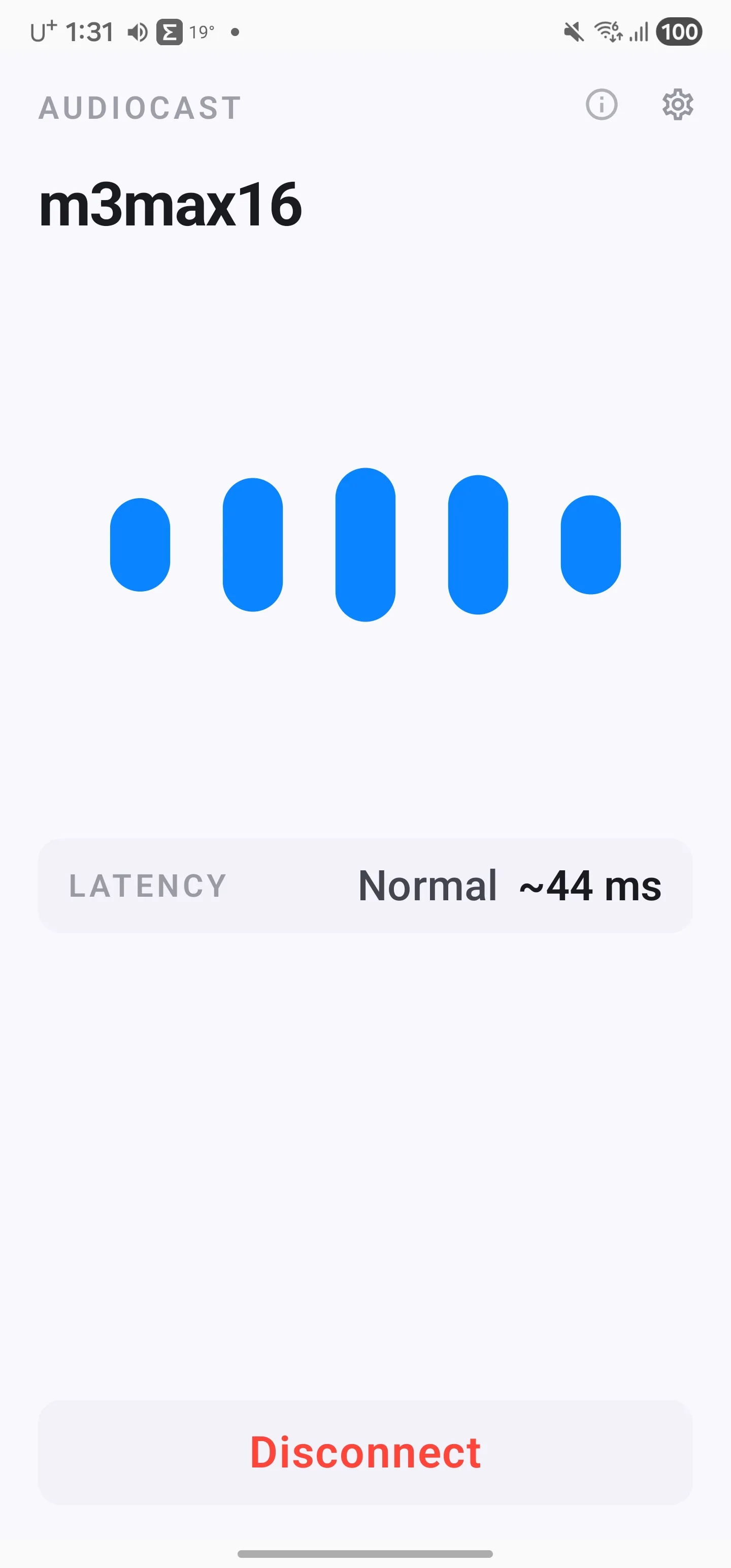
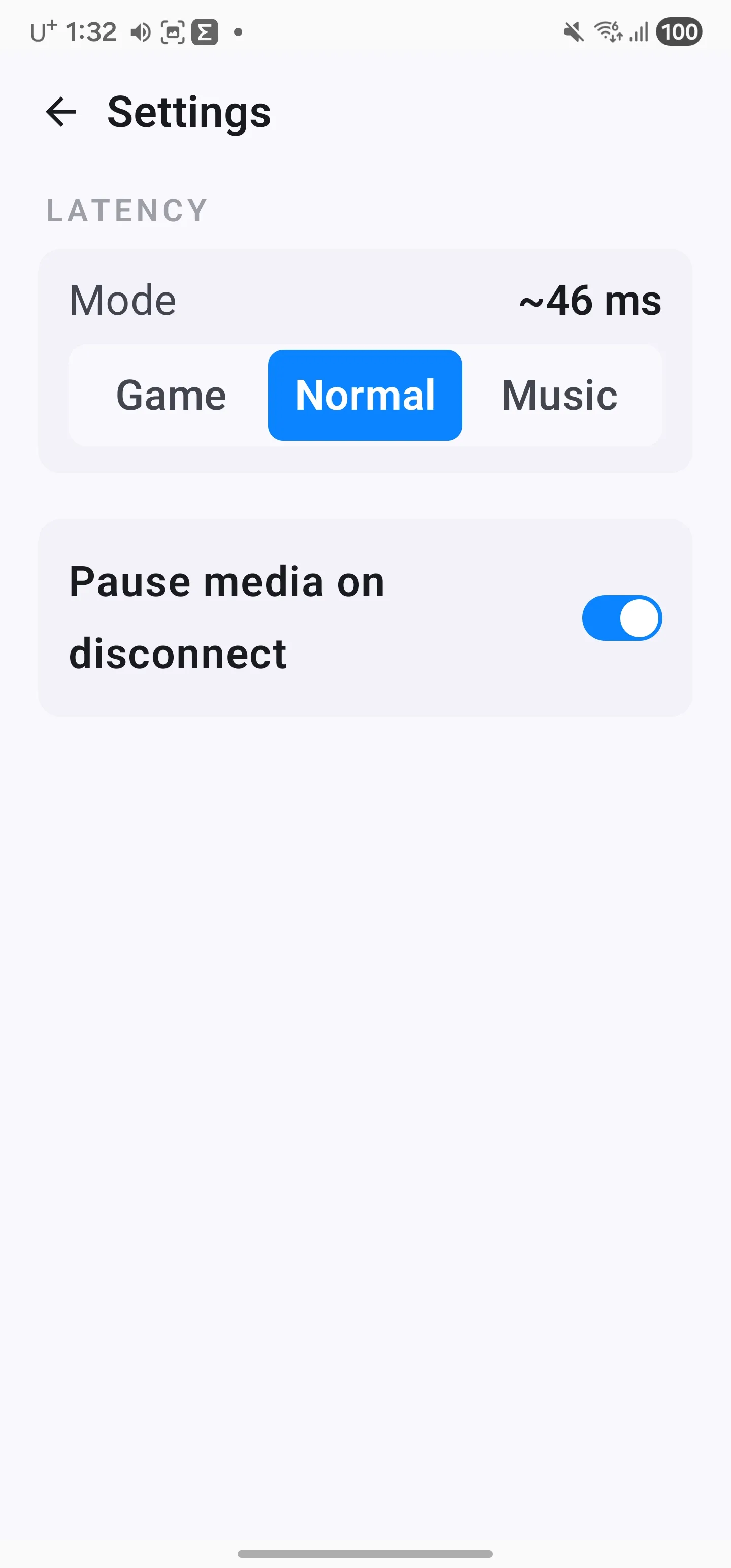
Three modes: tight A/V sync for games and movies, balanced for everyday, smoothest for music. Pick what fits the moment.
Auto-pause when you step away
Optional: disconnect on your phone and your Mac pauses what was playing. Reconnect and pick up where you left off.
Quietly in the menu bar
The Mac sender stays out of the way until you need it. Blue when connected, neutral when idle.
Screenshots
Install
iPhone & iPad
Install from the App Store. The iOS receiver is in review — the link opens as soon as Apple approves it.
Bundle: com.audiocast.receiver
macOS sender
Required to capture and send your Mac's system audio. Install with Homebrew:
brew tap jobtools/tap
brew install --cask audiocastFirst launch installs a small audio capture driver — accept the macOS prompts when they appear.
Windows sender
Required to capture and send your PC's system audio.
Windows 10 or 11. Lives in the system tray after install.
Requirements
- Android 8.0 or later, or iOS 17.0 or later (iPhone and iPad) once the App Store release is live
- A Mac (macOS 14+) or a Windows 10/11 PC for the sender app
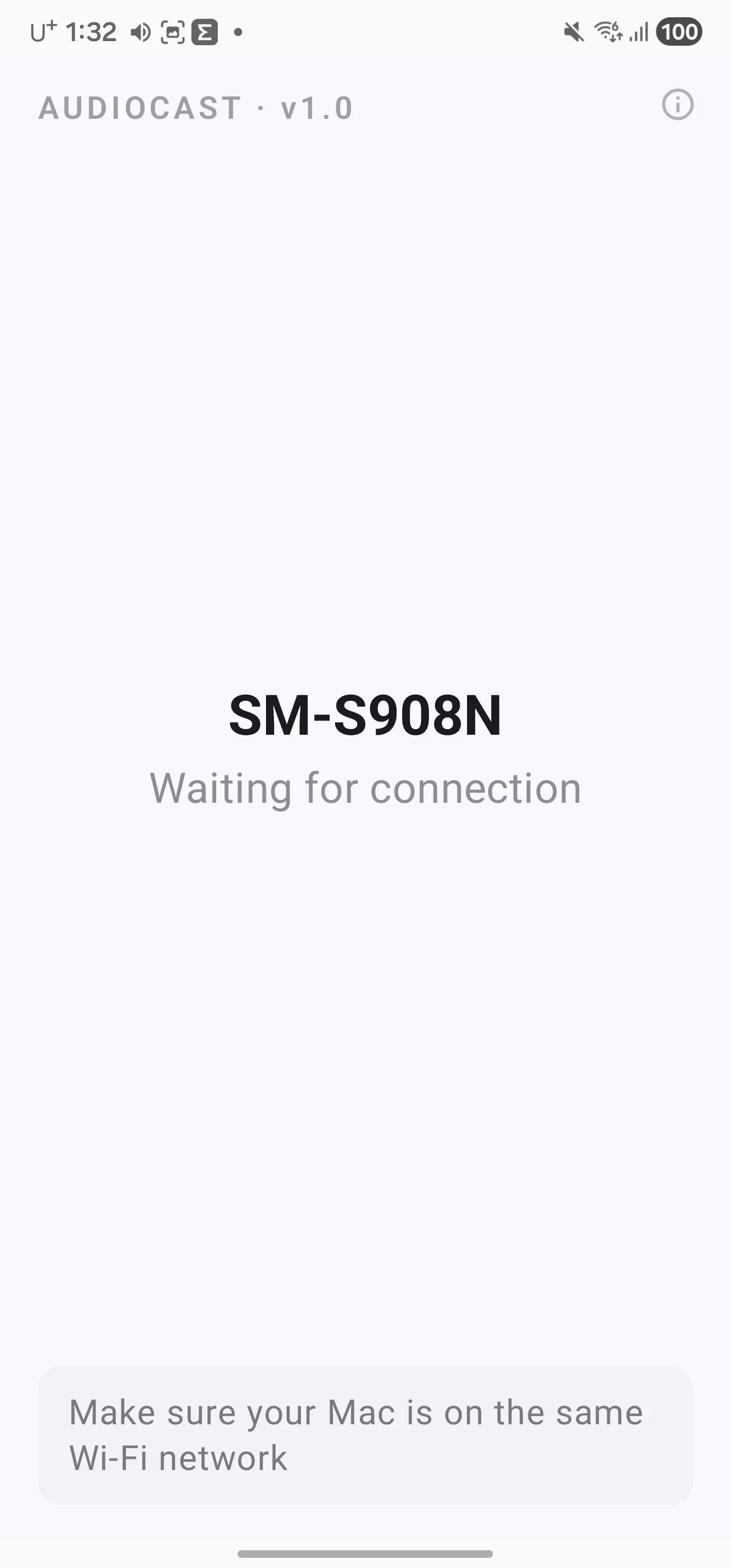
- Both devices on the same Wi-Fi network