
AirPlay Touch
An AirPlay receiver where the mirrored screen is touch-interactive.
Features
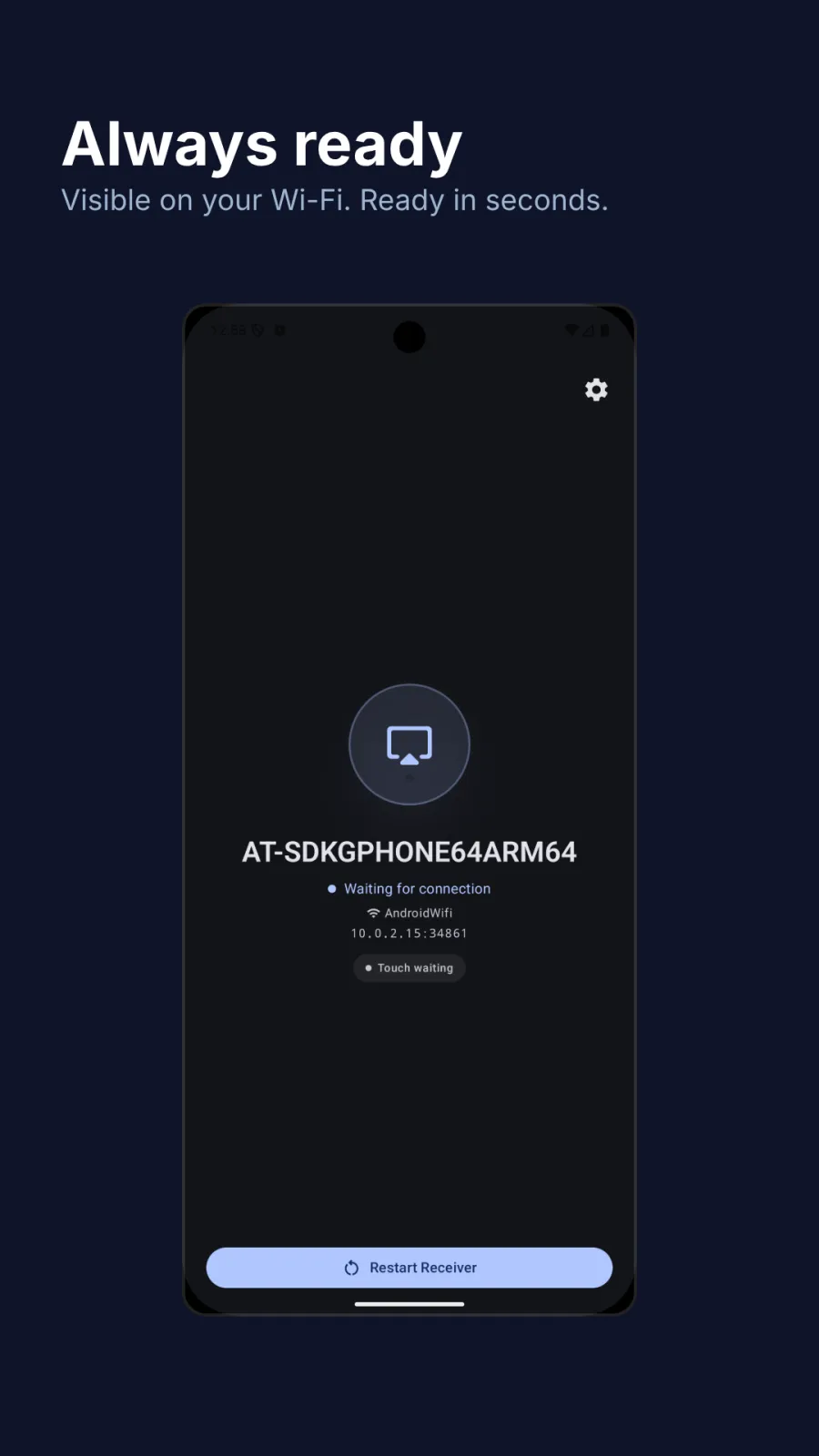
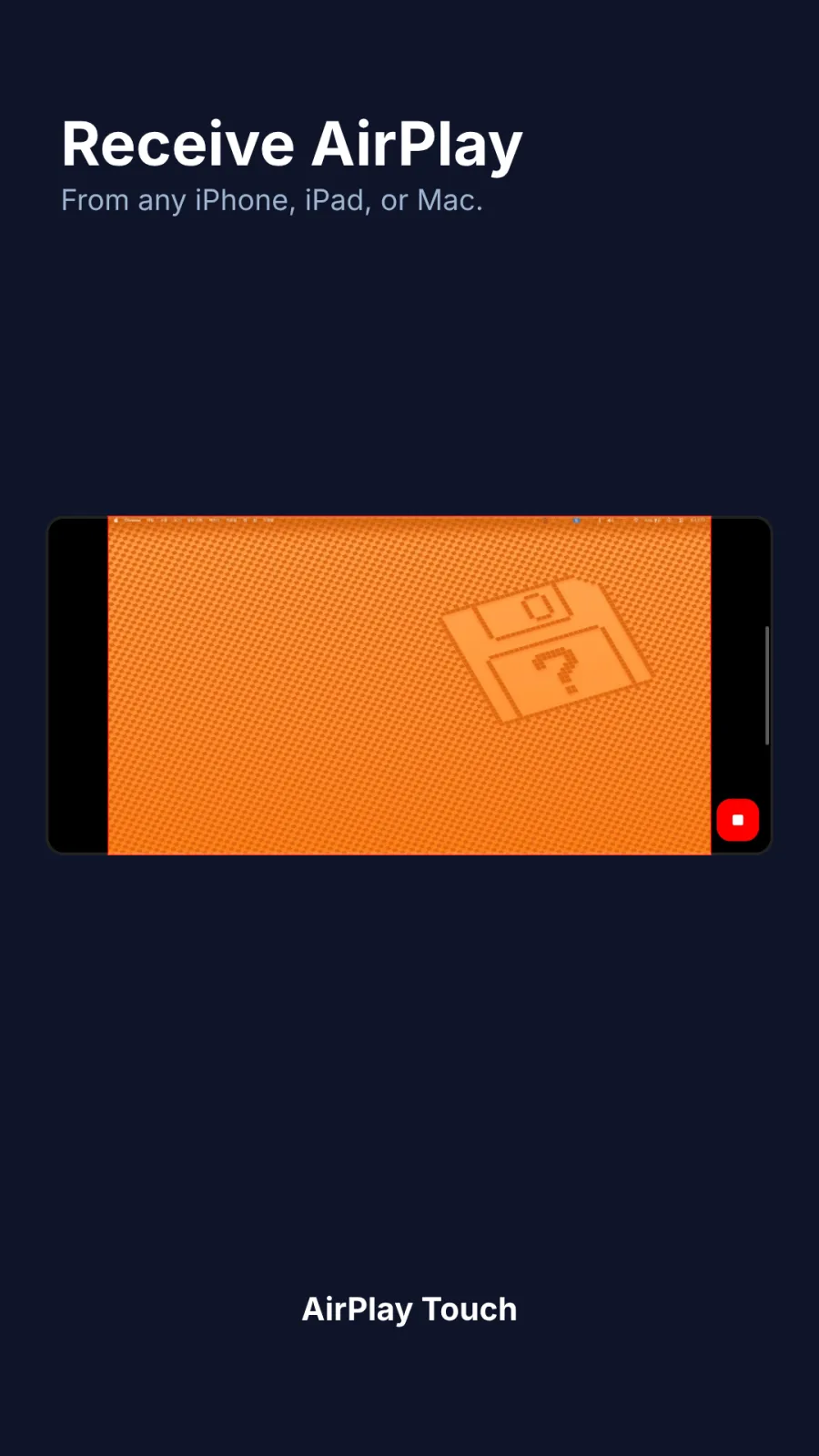
AirPlay receiver
Receive mirroring from any iPhone, iPad, or Mac on the same Wi-Fi.
Touch the mirrored screen
Tap to click, drag to move the cursor — touches map directly to what you see on the mirrored Mac.
Two-finger scroll
Two-finger swipe sends scroll events to the source — just like a trackpad.
Cursor snap-back
Your Mac pointer returns to where it was the moment you release.
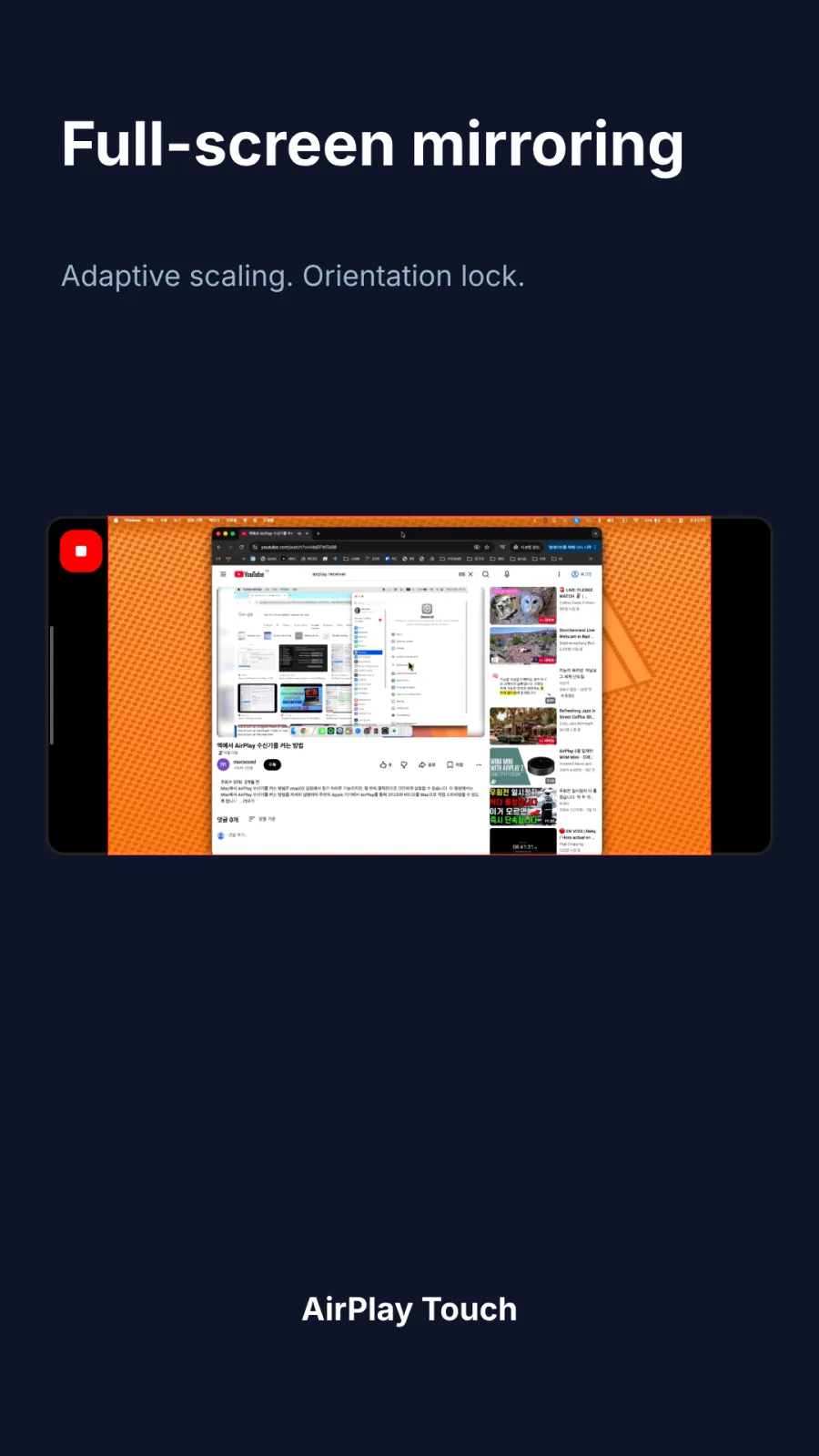
Full-screen mirroring
Adaptive scaling and orientation lock for the cleanest possible picture.
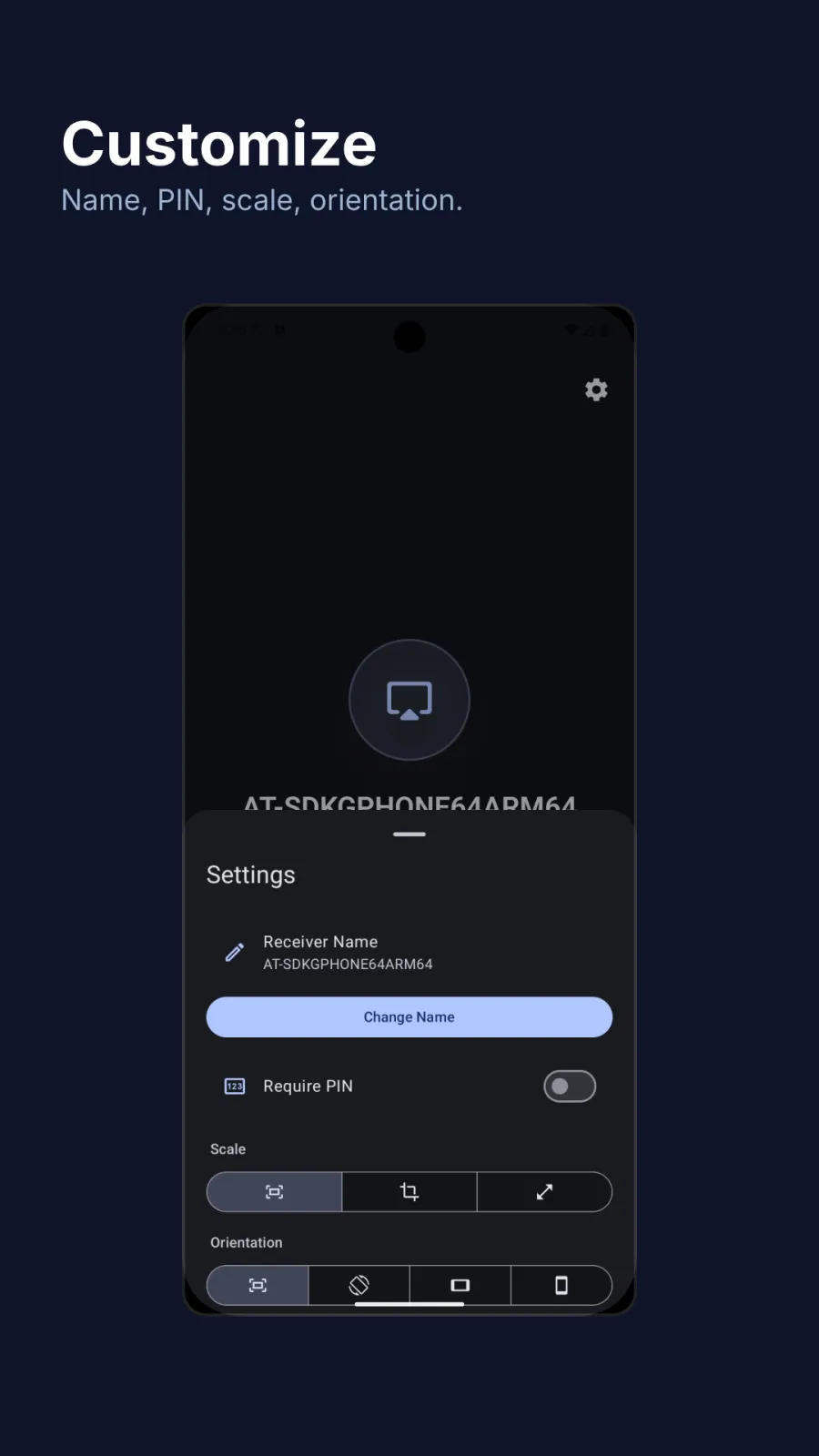
PIN-protected, LAN-only
Optional PIN. Everything runs on your local network — no accounts, no cloud, no telemetry.
Screenshots
Install
macOS companion
Required for touch interaction on the mirrored screen.
Drag AirPlay Touch to your Applications folder.
Prefer Homebrew?
brew tap jobtools/tap
brew trust --tap jobtools/tap
brew install --cask airplay-touchSHA-256 checksum
Requirements
- Android 7.0 or later
- For touch interaction: a Mac running macOS 15 or later, on the same Wi-Fi
- DRM-protected content (Apple TV+, Netflix, etc.) cannot be mirrored — this is enforced by the source device